
Basic Transfer (also known as "unattended" or "blind")
While on a call, click the Transfer button.
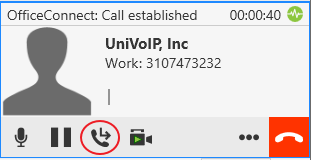
The call is put on hold and a call entry field apears.
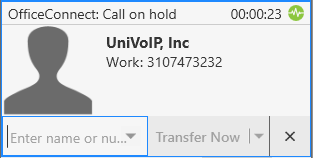
Type a name or number, or drag a contact into the field.
Then click Transfer Now.
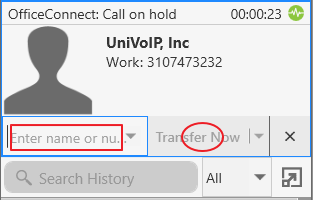
You can click on the "X" to cancel the transfer and return to the call if you press it instead of Transfer Now.