Sending Files to a Co-worker
Choose one of these actions:
-
Right-click a contact and choose Send Files; a standard Open dialog box opens. Select the files to send and click Open.
-
Drag a file from a folder to the IM session of the Messages window.
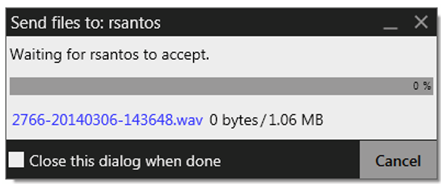
The Send Files dialog appears with a “waiting” message. To cancel the file transfer before the other person retrieves the files, click Cancel.
Receiving Files
A coworker may send you files.
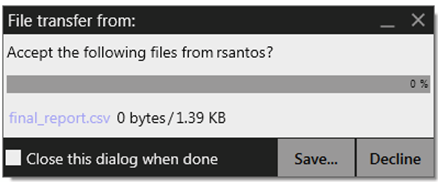
Choose to Save or Decline the file.
The file is saved to the location specified in Preferences > Files & Webs Tabs.