
Choose Softphone > Preferences. The Preferences window appears.
Preferences – Application
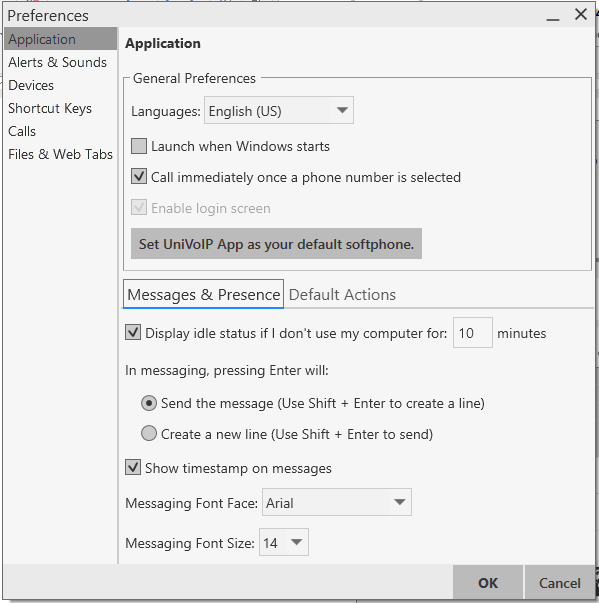
This panel lets you set your preferences for general GUI behavior.
Default Actions
This feature lets you control the action performed for two buttons:
-
The green Call button at the top of the phone. For example, you can configure the button so that it makes a video call instead of an audio call.
-
The transfer button. For example, you can configure the button so that it initiates unattended (transfer now) transfer instead of an attended (call first) transfer.