
Settings - Voicemail
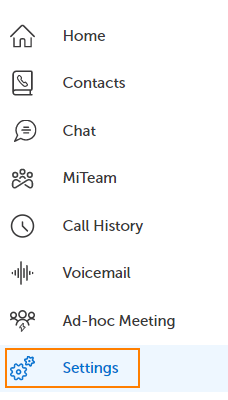
To view or edit your Voicemail Settings, click on Settings in the left navigation panel.
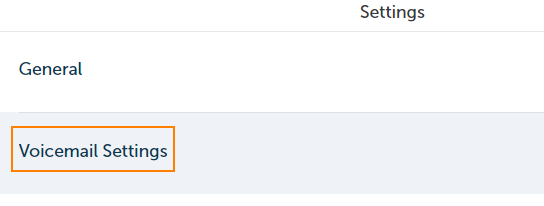
In the middle panel, click on Voicemail Settings.
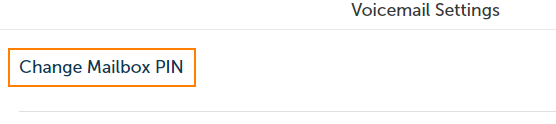
The right panel contains the available settings. Currently I see that there is an option for changing my Voicemail PIN (numerical password).
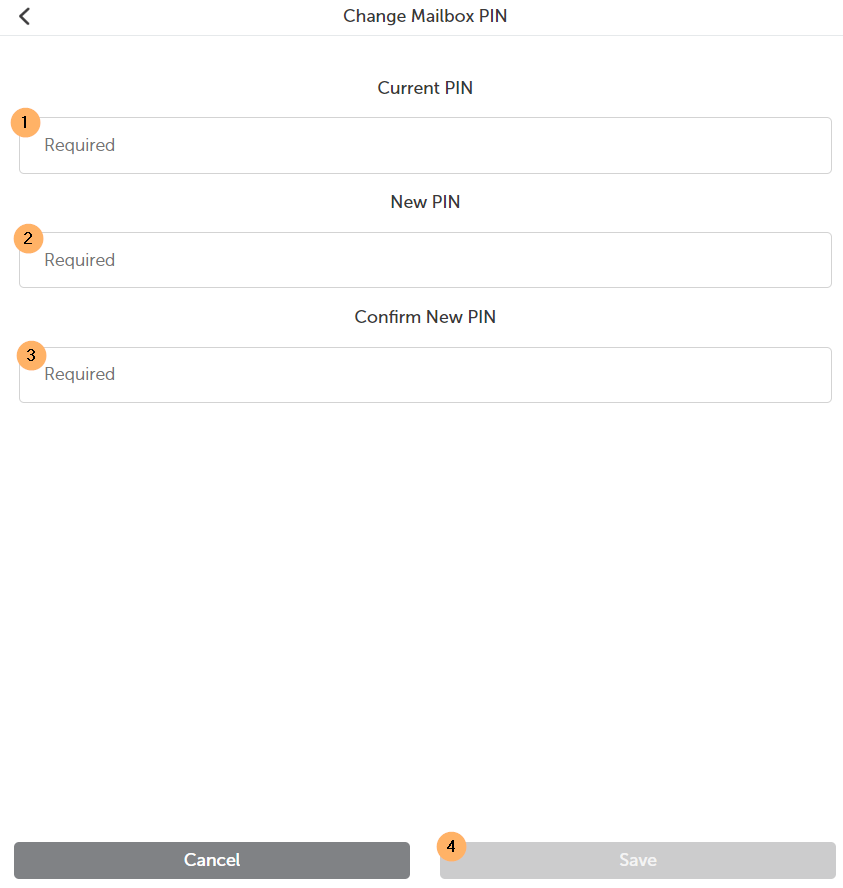
To change your voicemail PIN, fill out the form by entering your current VM PIN, enter and confirm a new VM PIN and click Save.
Return to the MiCollab Web Portal Main Menu