
Call History
Your Call History includes inbound calls answered or not, and your outbound calls. Click to call functionality is available for each entry in your Call History.
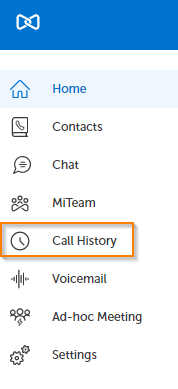
To view your Call History, click on Call History in the left navigation panel.
The middle panel is your Call History. The right panel is the contact details for the selected Call History entry.
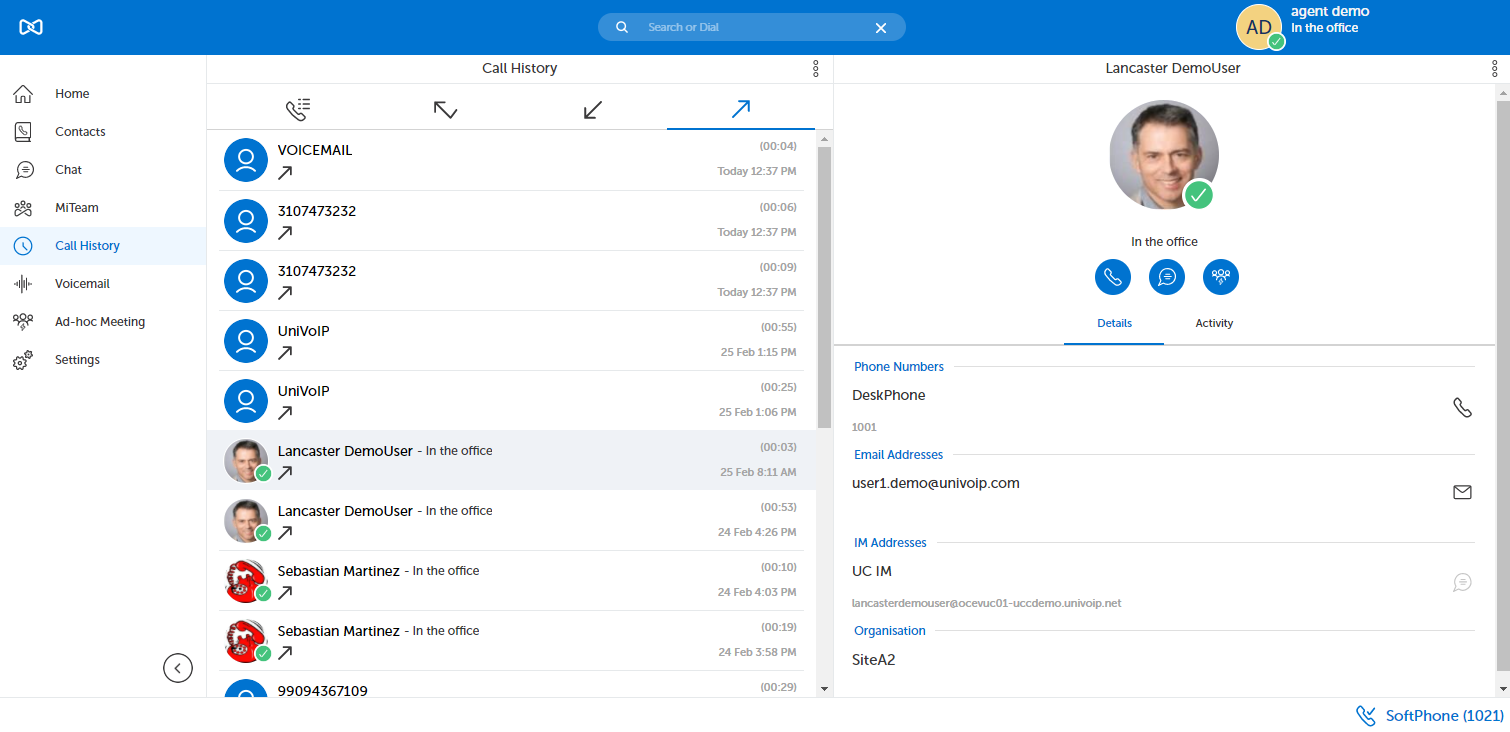
You can search your Call History using the search field located at the top of the Call History panel.
You can call the target by clicking the phone icon in the Contact Details panel.
You can also call the target by hovering over the contact's image circle and clicking the phone icon.

You can sort your Call History by clicking on the appropriate icon located under the search field.



Return to the MiCollab Web Portal Main Menu