
Launch Pad Area
The Launch Pad Area is located on the Home Screen in the center panel of the interface.
This is where you can create shortcuts to:
-

-

-

-

-

-

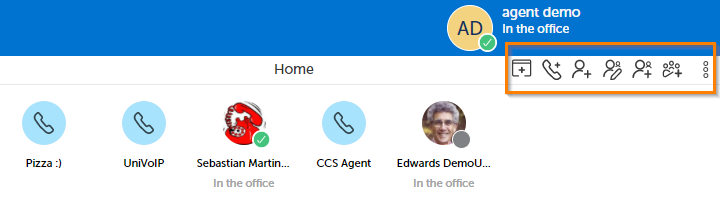
To create a shortcut in your Launch Pad Area, click on one of the icons shown in the picture above:
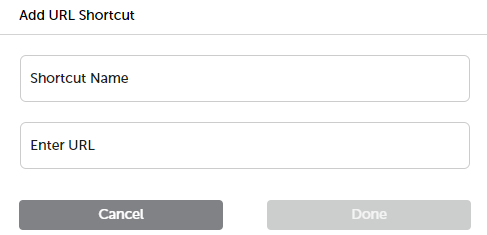
The URL shortcut form is seen above.
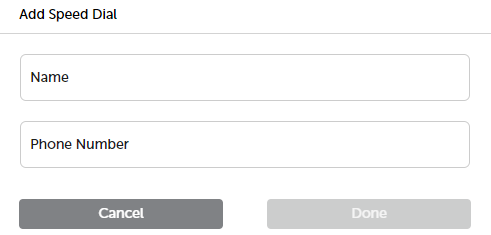
The Speed Dial shortcut form is seen above.
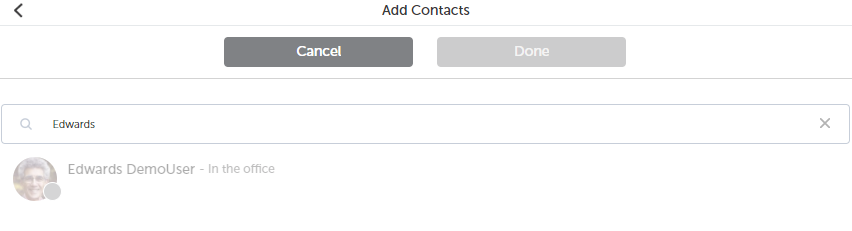
The Add Contact shortcut form is seen above.
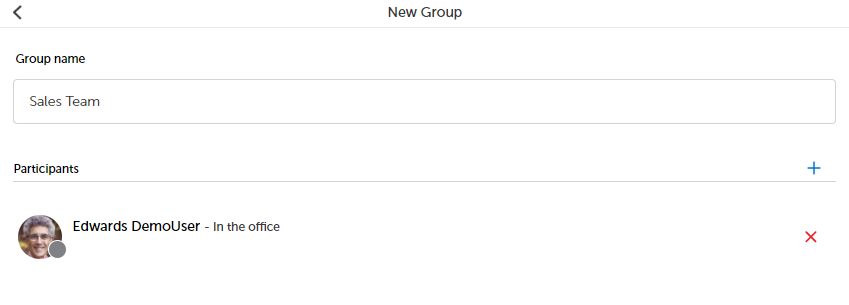
The Add New Group shortcut is seen above.
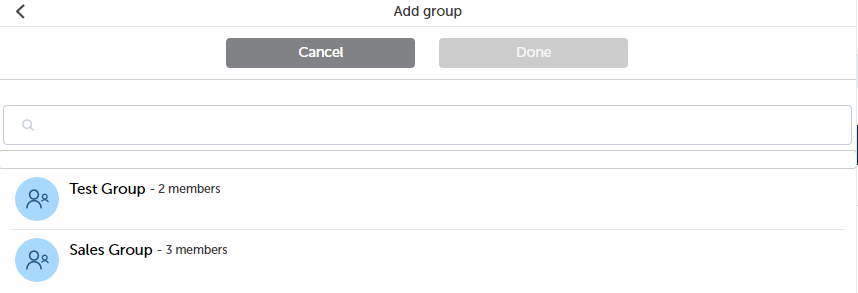
The Add Group shortcut is seen above.
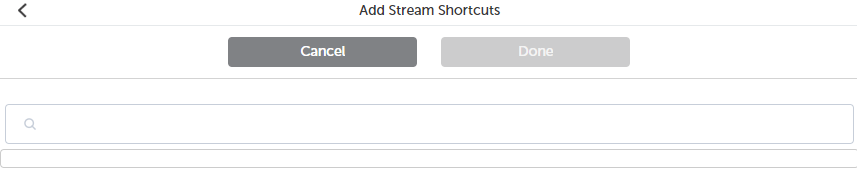
The Add Stream shortcut form is seen above.
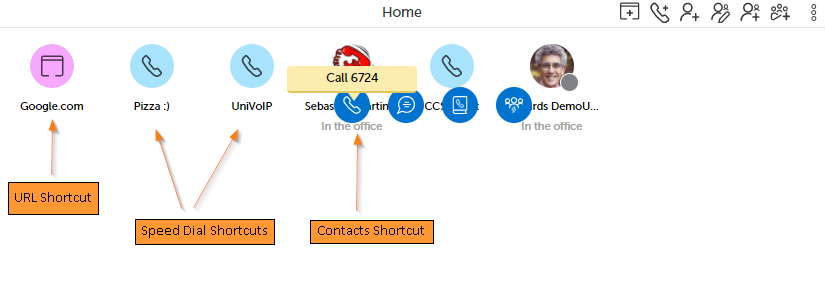
To launch a shortcut, click on the shortcut in the Launch Pad Area of the Home Screen. There is one URL , two Speed Dial and one Contact shortcut to choose from in the example picture below.
Return to the MiCollab Web Portal Main Menu