
Searchable Contacts
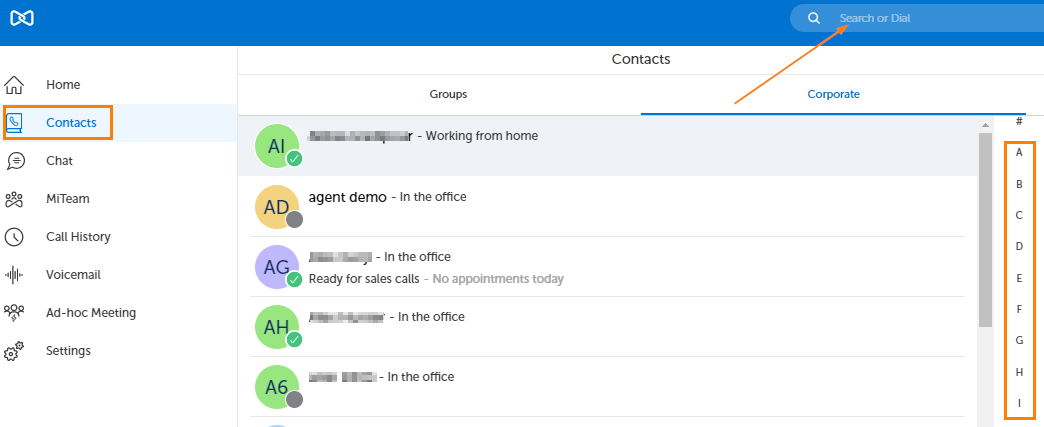
Regardless of your current view, there is a static search / number entry field located in the top center of the interface. This search field can be used to search for matches in your contacts or voicemail.

The search will instantly return matches as you type as seen in the picture below. (There is only a one character minimum to start a search).
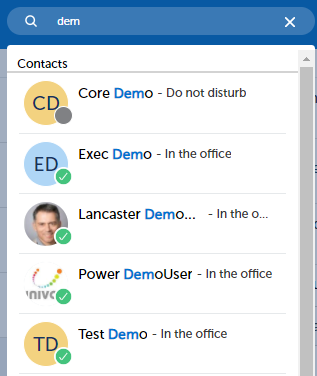
Click on the matching result you need.
You can also search for Contacts only after clicking on Contacts in the left navigation panel as seen in the picture below.
Actions for Contacts
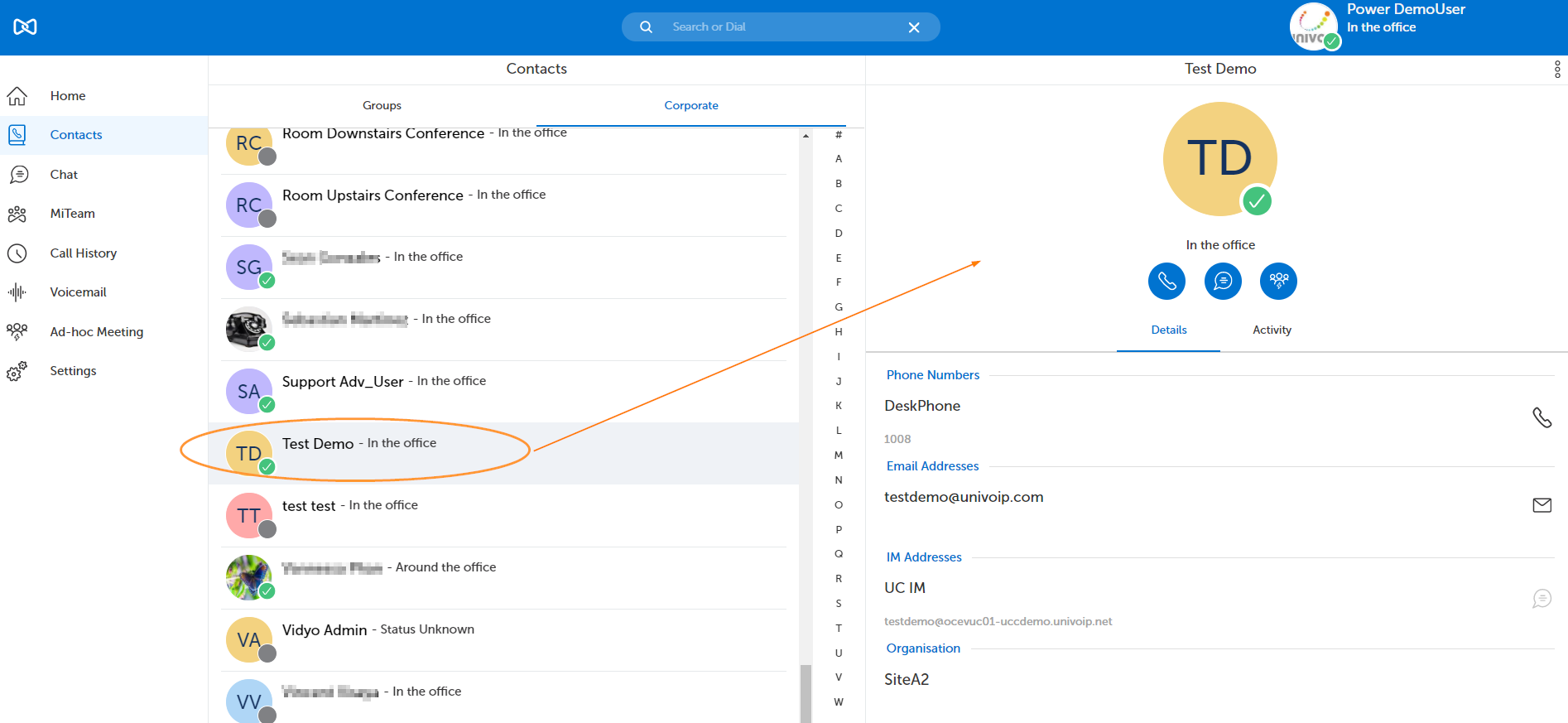
When you hover over a contact, you will be presented with icons that can be clicked to perform various actions.



You can also click on a contact and then make an action selection from the options in the right panel.
Return to the MiCollab Web Portal Main Menu