To view permission profiles, follow these steps:
-
Click Call Permission Profiles in the left menu.
-
The system displays a list all Call Permission Profiles configured for your system.
-
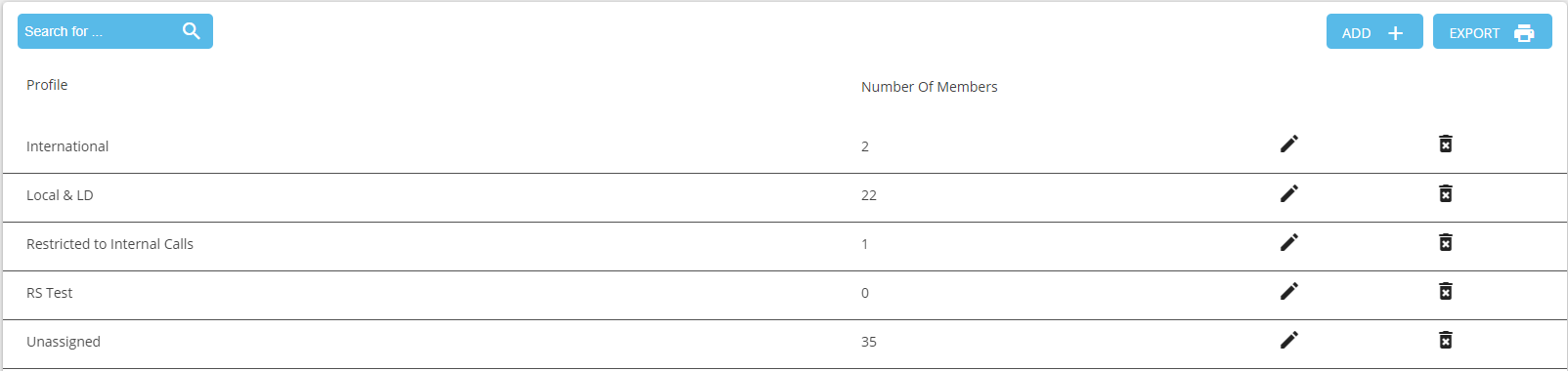
2. Click the Name or Edit icon to view detailed information for the profile.
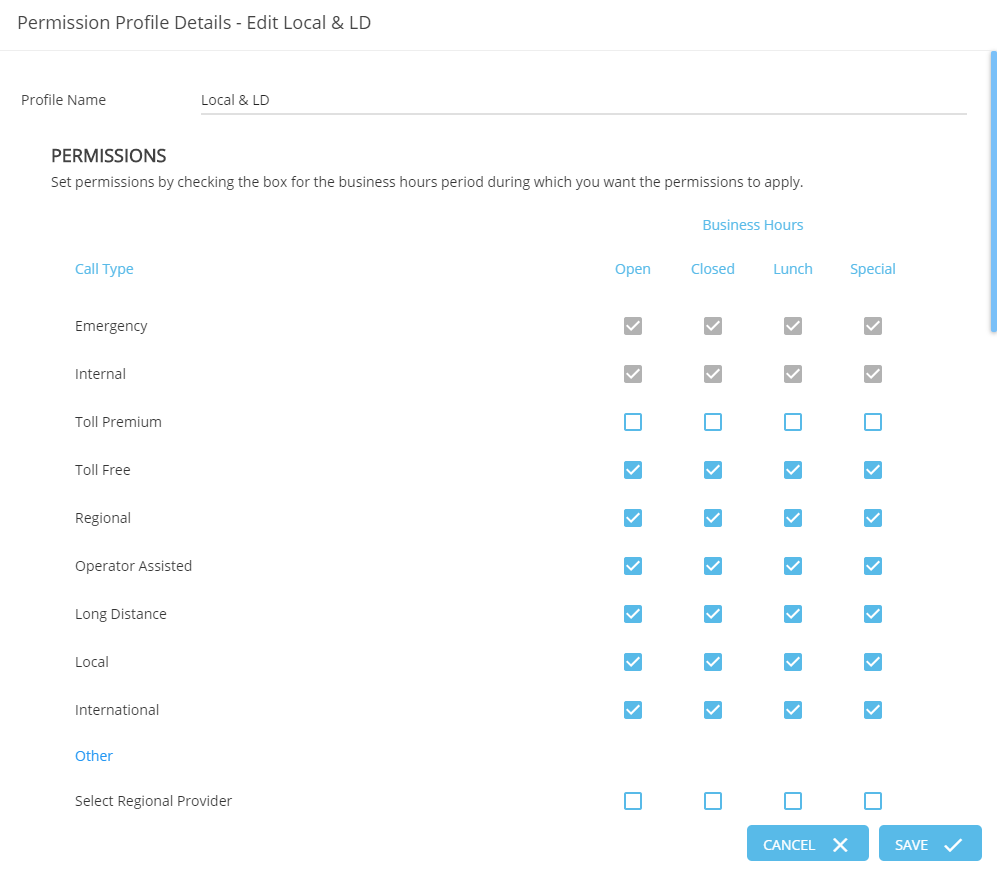
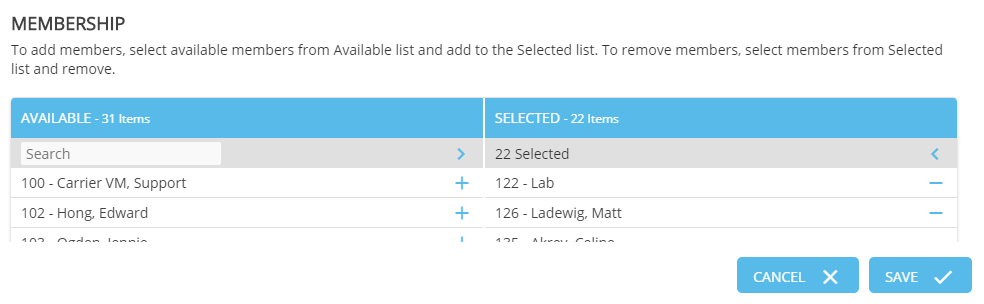
3. View or Edit the users that are a member of the profile