
To permanently delete a profile from the system, follow these steps:
-
Expand Company Settings in the left menu
-
Click on Call Permission Profile
-
Identify the Profile that will be deleted and click on the

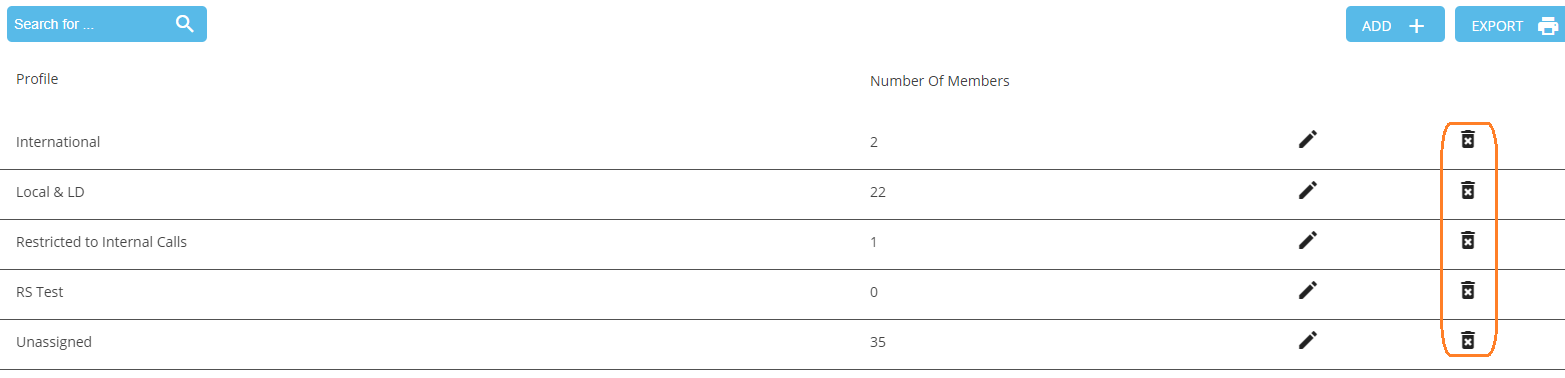
4. Click OK.

-
You cannot delete the default permission profile, "Unassigned".
-
You cannot delete a profile with associated members.