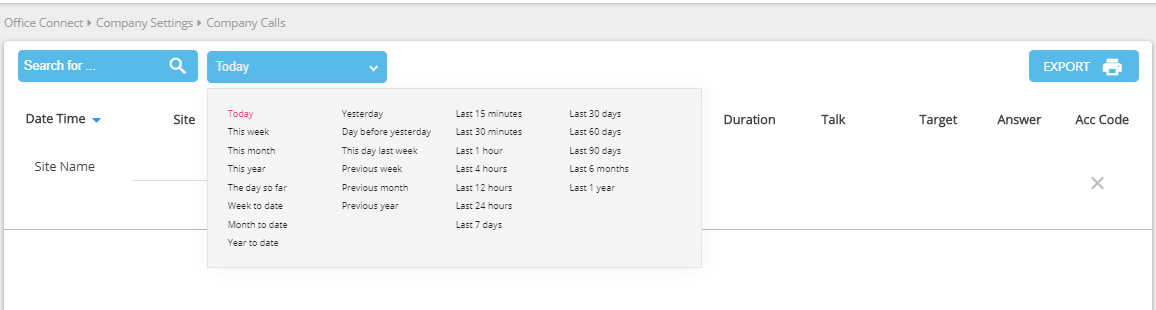
The Company Calls page displays all your company's inbound and outbound call history in a tabular format. The system displays calls in a reverse chronological order (from most recent to past) using your company's time zone setting.
The table comprises the following columns:
-
-
Date—the date of the start of the call.
-
Time—the time of the start of the call (based on call related site time zone).
-
Site— the site that initiated the call.
-
Direction—the direction (internal, external, inbound, or outbound) of the call.
-
From— the calling ID of the incoming call.
-
Dialed—the dialed digits of the call.
-
Auto Attendant—the Auto Attendant extension if used.
-
Duration—the release time stamp of the last step in the call minus the starting time stamp of the first step of the call.
-
Talk—the release time stamp of the last step in the call minus the answer time stamp of the first step of the call.
-
Target—the terminating extension of the call.
-
Answer—the number answering the call.
-
Account Code—the account code if used during the call. (Must be enabled.)
-
To optionally view your company calls for a specific period, follow these steps:
-
Click on the Today drop down and filter your search using the options available.
-
The system filters the list based on your criteria.
Once you have the call history you want, click Export Options: CSV to export it in CSV (comma-separated values) format.
Please note that missed calls are not shown in the downloaded document.