
To add/remove Queue Members:
-
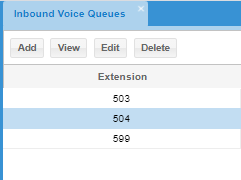
Select the Queue, and click on Add/View/Edit/Delete
2. In the Queue Members tab, select agents for the new queue by dragging and dropping agents from the Available Agents area into the Selected Agents area.
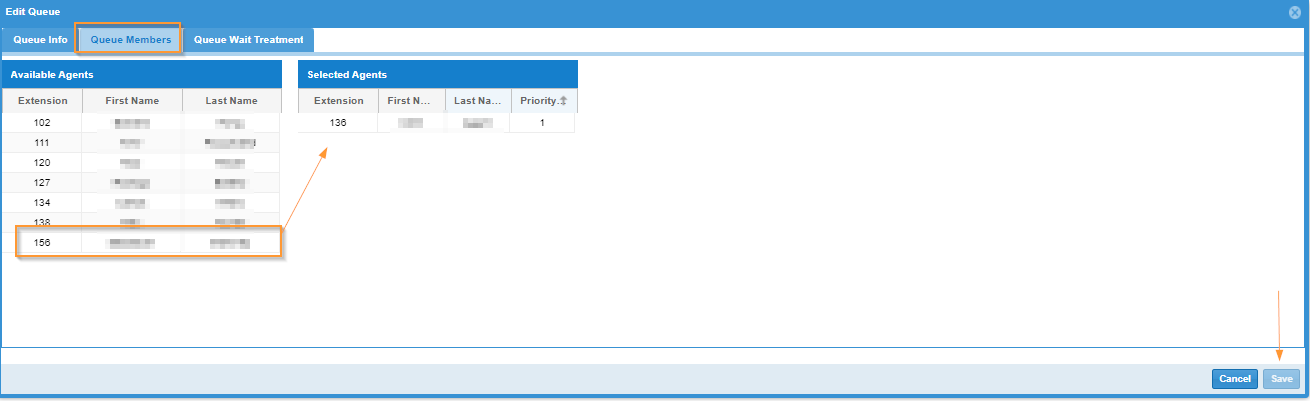
3. To remove an Agent, simply drag and drop the Agent in the opposite order.
4. Click Save.