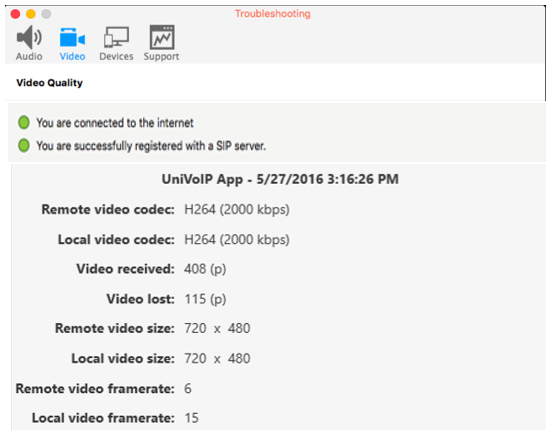
From the Menu Bar, choose Help > Troubleshooting to display the Troubleshooting window.
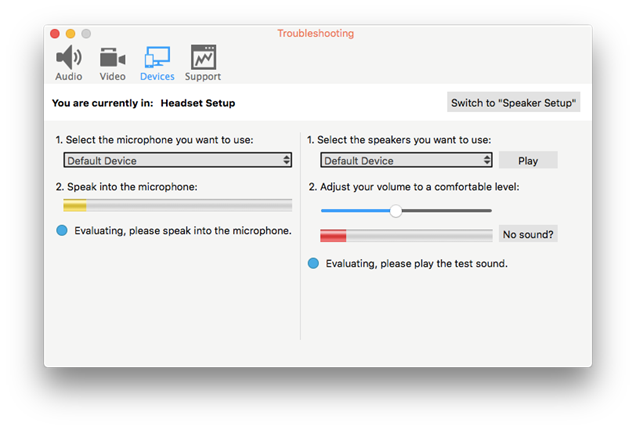
Testing Audio Devices
You can verify that your microphone and speakers are working and can set the volume to a comfortable level without having to actually place a phone call.
Testing Audio Quality
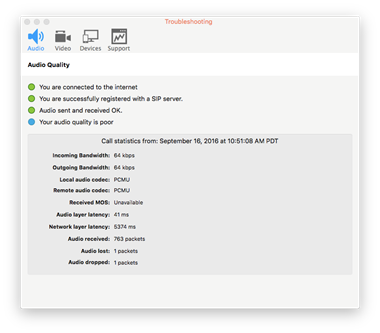
While you are on a phone call, you can test the quality of the audio. Note that to perform a valid test, you should be on an established call (not a call attempt).
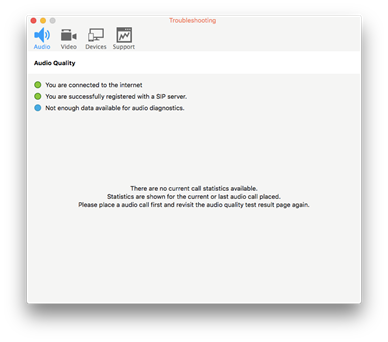
With this window open, make a call to see live audio data.
Testing Video Quality
While you are on a video call, you can test the quality of the video. Note that to perform a valid test, you should be on an established call (not a call attempt).
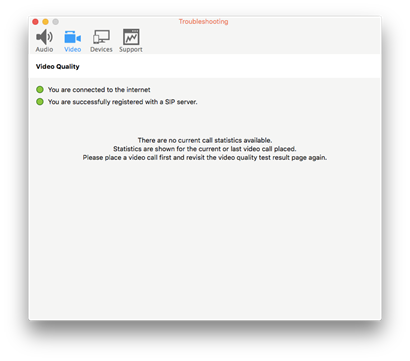
With this window open, make a video call to see live video data.