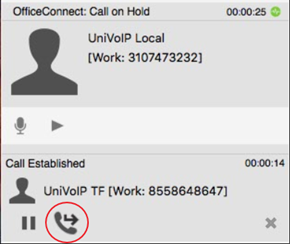
You can first speak to the target (the person you are transferring the call to), then click Transfer Now to complete the transfer.
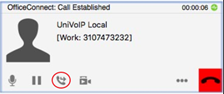
Click the Transfer button. The call is put on hold and a call entry field appears.
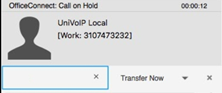
Type a name or number, or drag a contact into the field, then use the down arrow and click Call First.
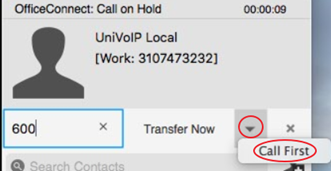
When the other person answers, the Transfer Now button is enabled.
When you are ready, click Transfer Now. If the other person does not want to take the call, click the “X” to cancel and return to the first call.