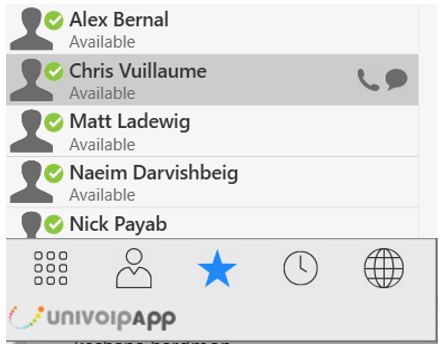
You can create favorites from your contact list. They will be displayed in both the Contacts tab and in the Favorites tab.
Select the desired contact(s), then Control-Click and choose Add to Favorites.
To view the Favorites tab, click on the Favorites Icon or go to the Menu Bar and choose View > Show Favorites.

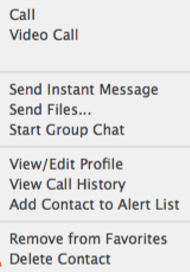
You can perform nearly all the same actions on the contact in the Favorites tab as you can in the Contacts tab.
Control-click menu: