
To modify the information for an existing external contacts/speed dial entry, follow these steps:
-
Expand Company Settings, and click on Speed Dials in the left menu.
-
Click on the Name in the Name column corresponding to the speed dial that you want to modify, or the Edit icon.
-
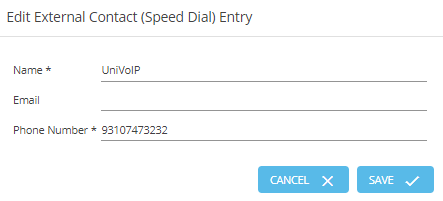
Make the changes of your choice in the Name, Phone Number or Email fields. (Name and Phone Number fields cannot be left blank.)
-
Click Save.
Please note:
Precede external phone numbers with a "9" before the area code. For example, 310-747-3232 would be entered as 93107473232.