
Queue Conversations View
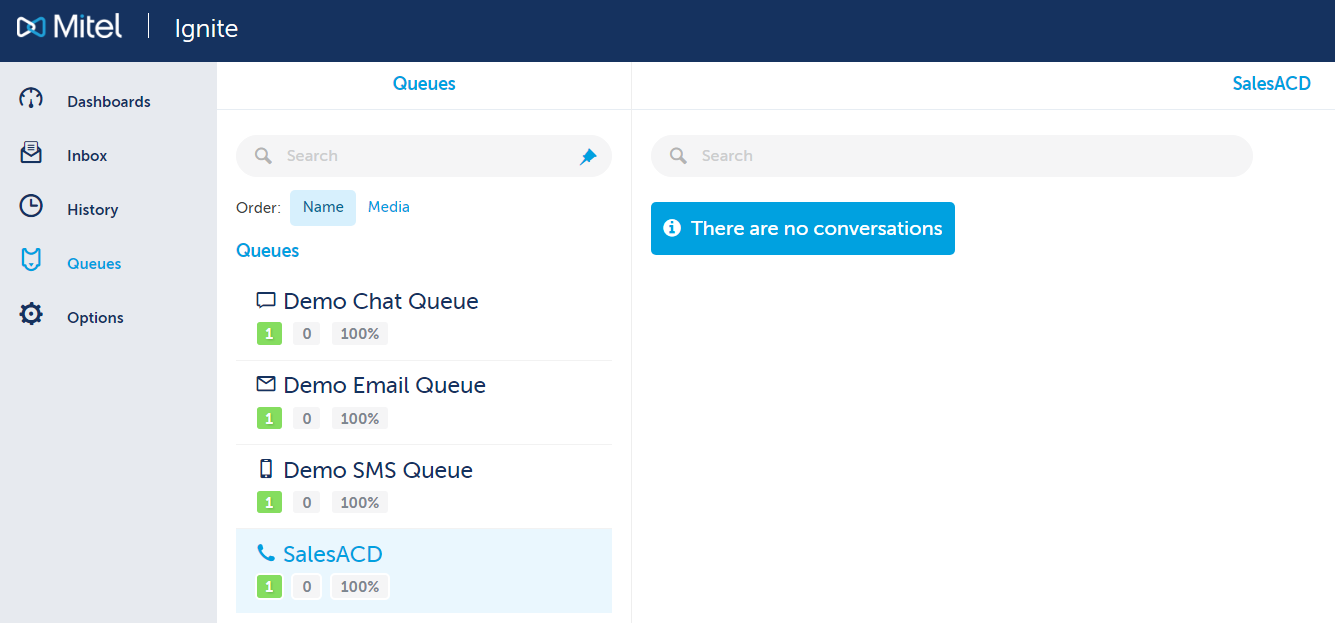
The queue conversations view allows Agents and Supervisors to view a list of the active items in real time for each queue.
There are two ways to get to this view:
-
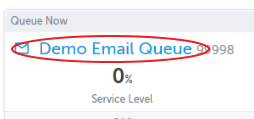
Click on a queue from the Queue Now Dashboard Widget
-
-
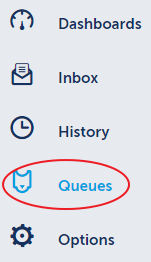
Click on "Queues" in the left navigation panel
-
Return to the Ignite Web Portal for Agents and Supervisors Main Menu