
Launch Pad
The Launch Pad Area will populate the lower information window after you click on the Launch Pad Icon.
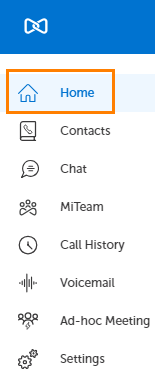
After Clicking the Launch Pad Icon...
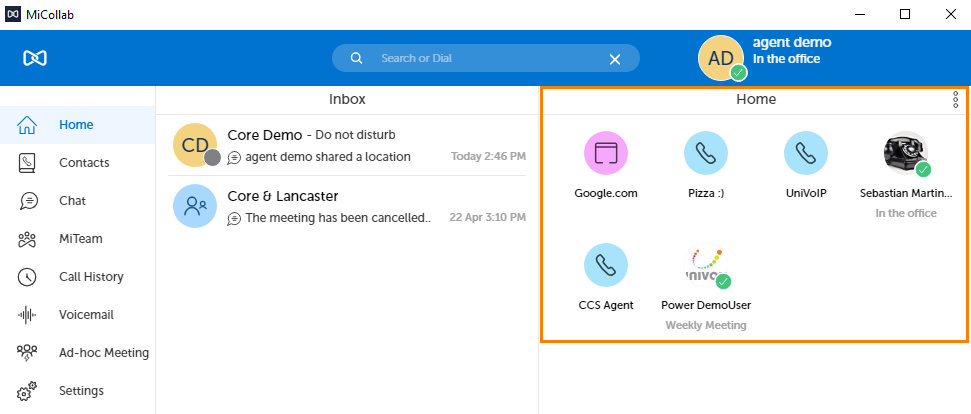
This is where you can create shortcuts to:
-
Local Application on your Computer
-
URL (Web Site)
-
Folder on your Computer
-
Contact (internal or external)
You can also add a Group, then place the shortcuts you want into the group in case you require more visual space.
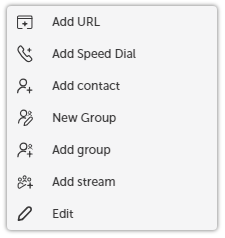
To add a shortcut, Right-click in the anywhere on Launch Pad Area, select the shortcut type, fill in the form and click "Add".
Go back to the MiCollab Desktop Client Main Menu