
Call History
Call history contain calls from Corporate contacts, Personal contacts, and non-contact calls. To view your Call History, click on the Call History Icon located in left hand panel.
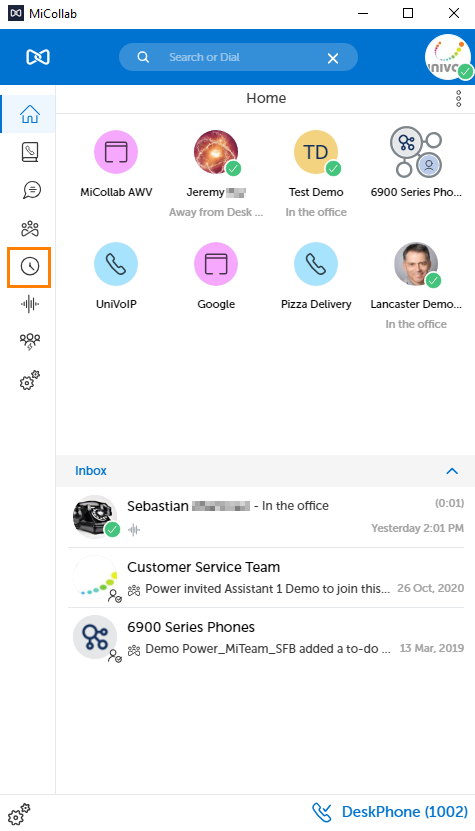
The Call History view provides call history for the following types of calls:
-

-

-

-

Click one of the buttons as listed above to access the associated call history list.
To access options for contacts:
Click a call list entry, and then select an option from the Contacts Context Menu to the right.
To place a call from the Call History dialog box:
Click an entry and use the dial 
Or hover over a contact from the call list entry, and click on the call 
Please note: If a number appears as Unknown, it cannot be dialed from this window.
Go back to the MiCollab Desktop Client Main Menu