
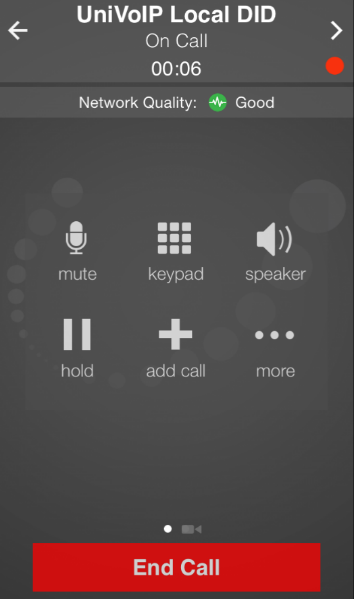
To record a call, press the More Icon, then press Start Recording.
When a call is being recorded, you will see a flashing red dot near the upper left corner.
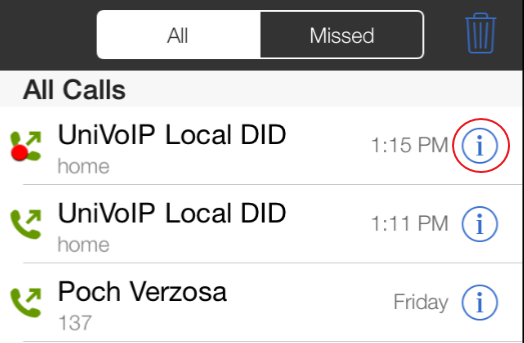
You can listen to the recording from the Call History screen on UniVoIP App.
-
Tap the "i" on the entry for the call you want to listen to
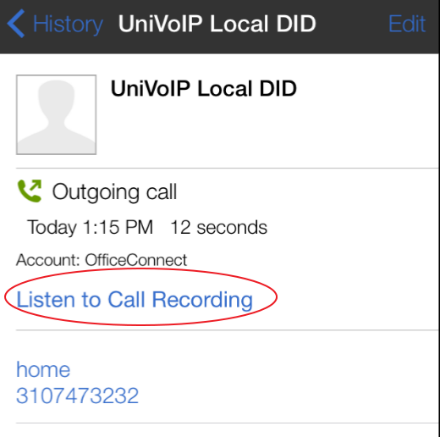
2. Tap "Listen to Call Recording"
You can also manage the recording in iTunes®. Select your device in iTunes, click the Apps tab at the top of the screen, scroll down to file sharing, then click the UniVoIP App icon in the Apps panel. The recordings appear in the UniVoIP App Documents panel.