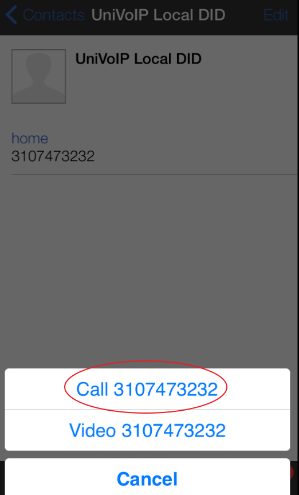
From the Dial Pad
-
Press the number keys to enter the phone number
-
Tap on the blue Call Key
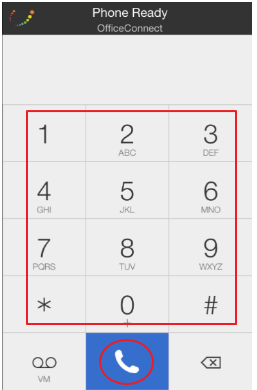
From the Contact List
Please Note: The "Buddies" Tab contains all your coworkers.
-
Tap the contact you need to call
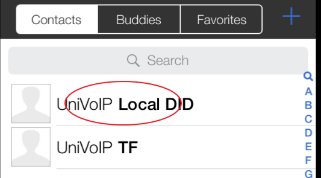
2. Tap on the contact's number you need to call
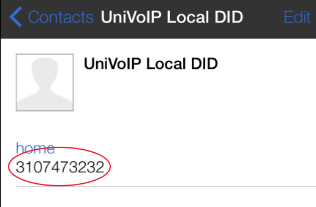
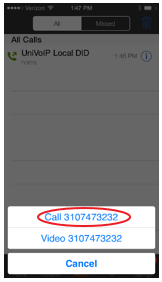
3. Tap the number on the confirmation pop up
From History
Please Note: The "All" Tab includes all call types. The "Missed" Tab only includes your inbound missed calls.
-
Tap the historical entry you need to call
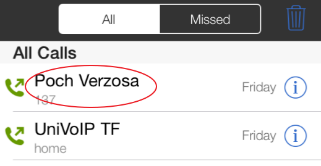
2. Tap the number on the confirmation pop up