
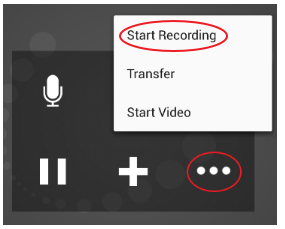
To start recording, press the More Icon and then press Start Recording.
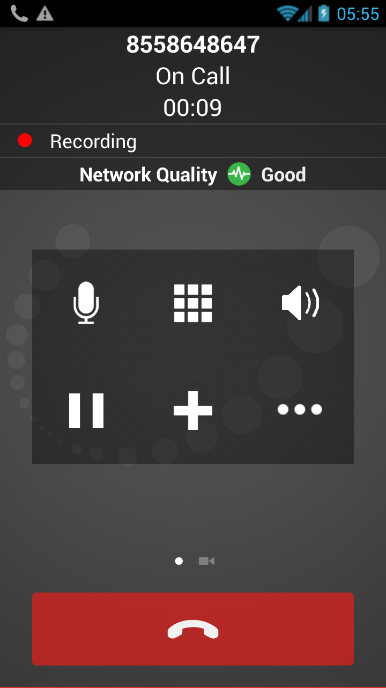
When a call is being recorded, you will see a red dot and the word "Recording".
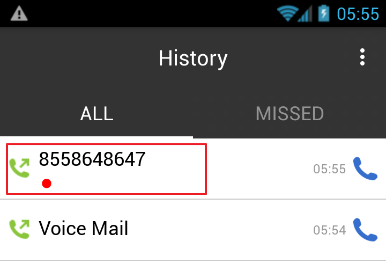
You can listen to the recording from the Call History screen on UniVoIP App.
-
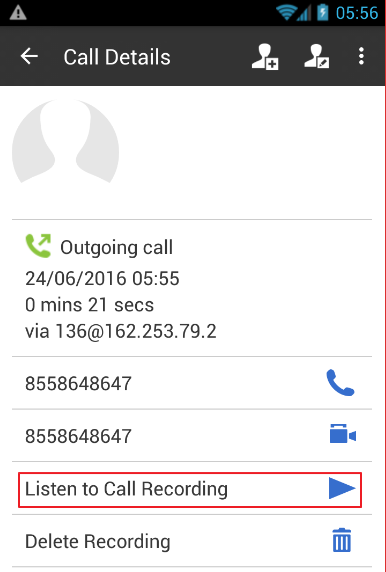
Tap the entry for the call you want to listen to
-
Tap "Listen to Call Recording"
You can also access the recorded files using a file explorer or a file manager. The recording is saved in WAV format under the /sdcard/UniVoIP APP folder of the device.