From the Dial Pad
-
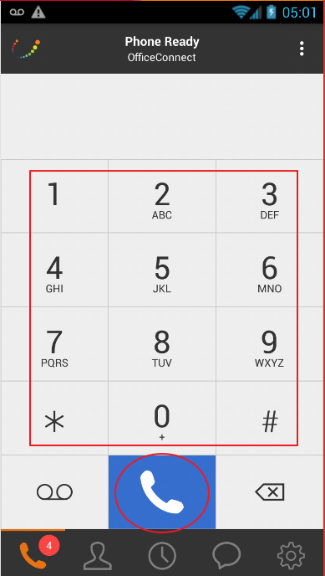
Press the number keys to enter the phone number
-
Tap on the blue Call Key
From the Contact List
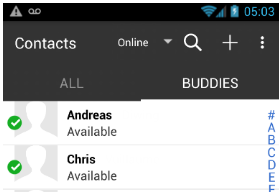
Please Note: The "All" Tab contains your native contacts from your smartphone. The "Buddies" Tab contains all your coworkers.
-
Tap the contact you need to call
-
Tap on the contact's number you need to call
From an Open Instant Message
-
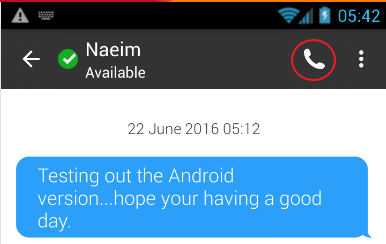
Tap the Phone Handset Icon