
Shared Devices
Shared devices are phones that are shared among multiple users in locations such as lobbies and offices. For example, a desk that is shared by office workers on different shifts with each worker having their own personal phone settings.
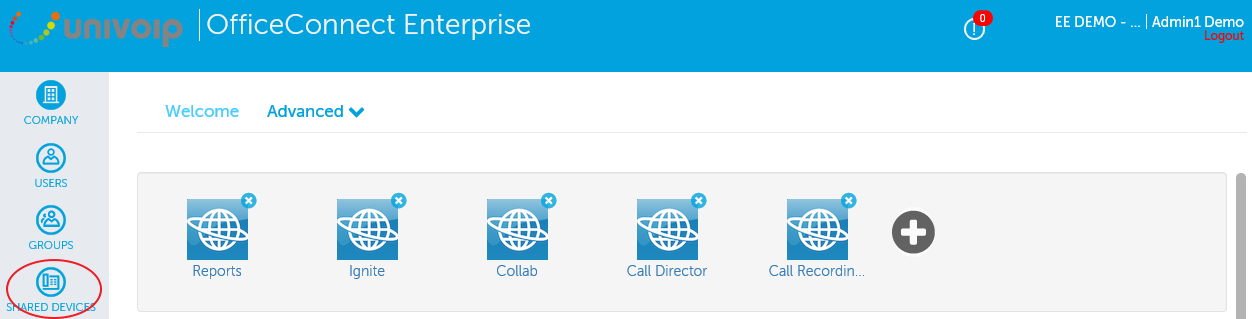
In the left Navigation Panel, click on "Shared Devices".
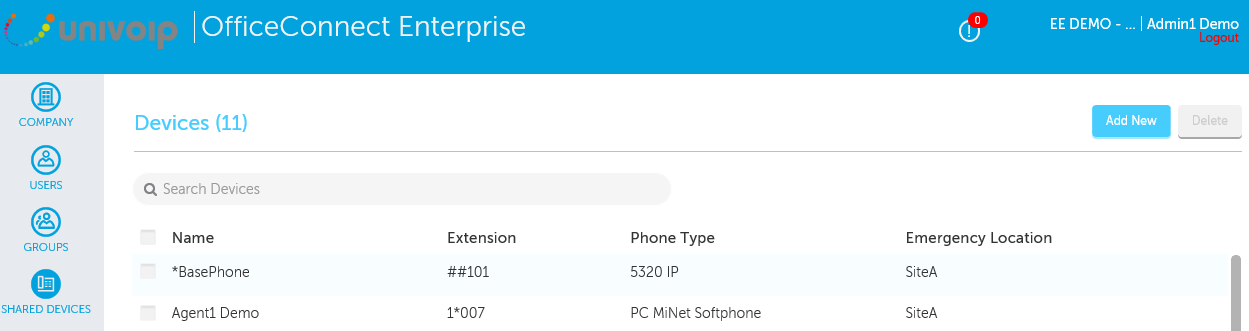
To add a shared device
-
Click the Add New button.
-
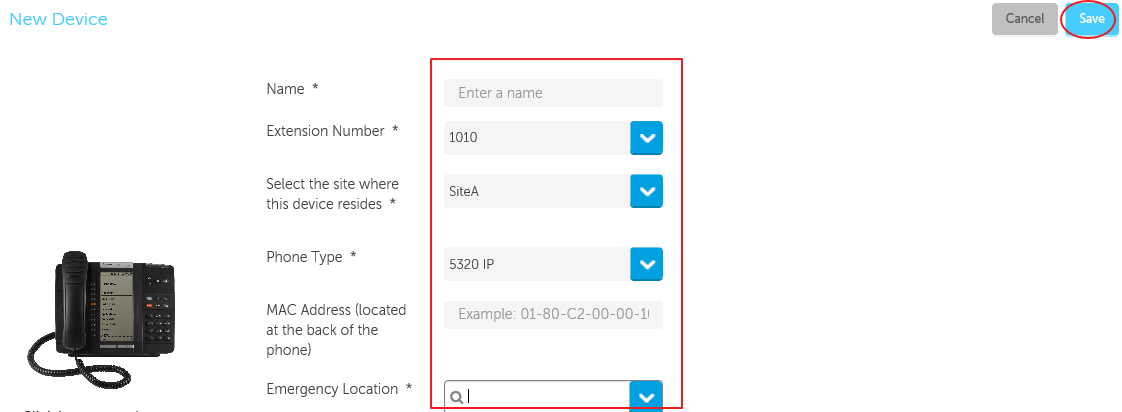
Fill in the fields and click Save.
Please note: The MAC address is made up of 12 alphanumeric characters located on the back of the phone. For example: 08-00-0F-00-00-10.
To change a shared device
-
Double-click device you want to edit.
-
Edit the fields and click Save.
To delete a shared device

-
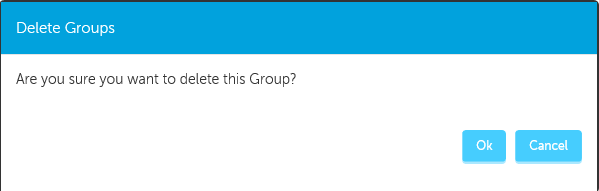
Click the box to the left of the name of the device you need to remove.
-
Click the Delete button.
Return to the Enterprise Admin Portal Main Menu