
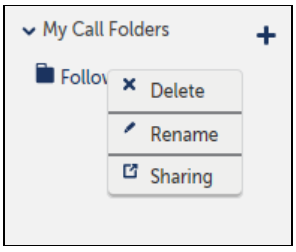
Under My Call Folders, you can delete, rename or share a folder by right-clicking on the desired folder and selecting the applicable option.
To Delete a Call Folder
-
Select the folder to delete.
-
Right-click and select Delete.
NOTE: Select Delete to immediately delete the folder; there is not a warning message.