
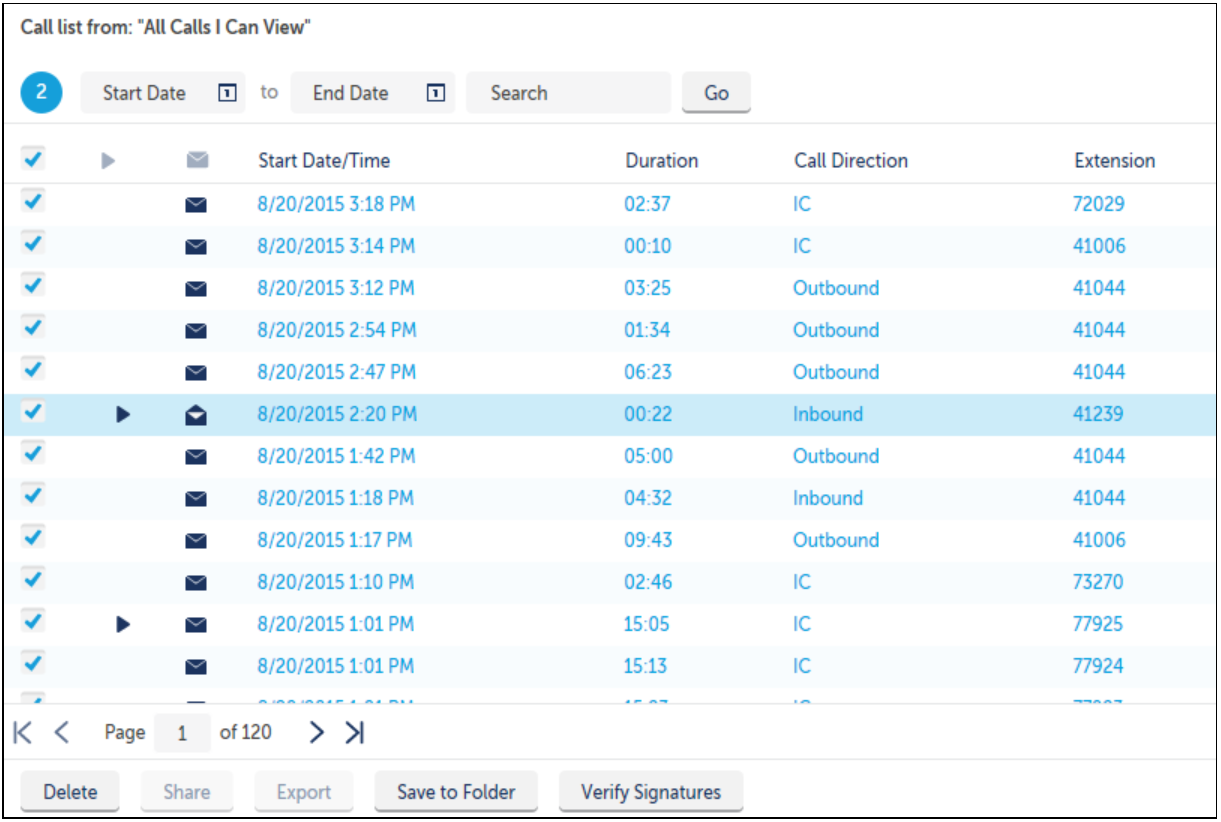
The following Information about call records appears in table or grid format:
-
Each row represents an individual call.
-
Each column represents information about the call.
See Call List Columns for more details on columns types available.
You can customize the order in which columns appear by either:
-
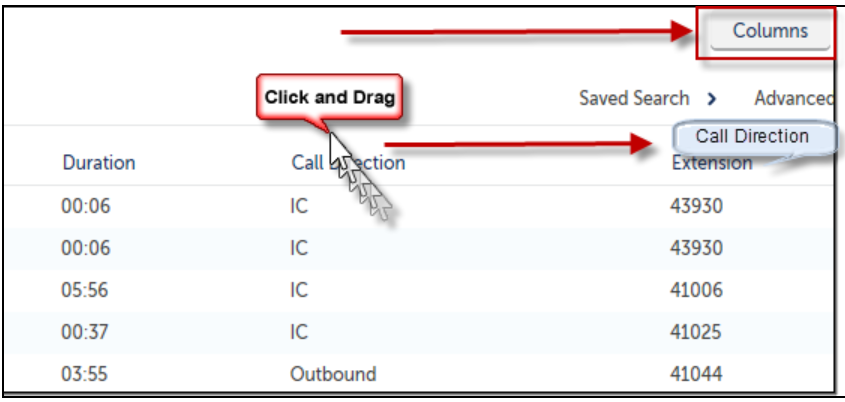
Dragging and dropping the column to the preferred location as shown below
-
Or by clicking on the Columns button
Note: The checkbox and Play Preview columns are non-moveable
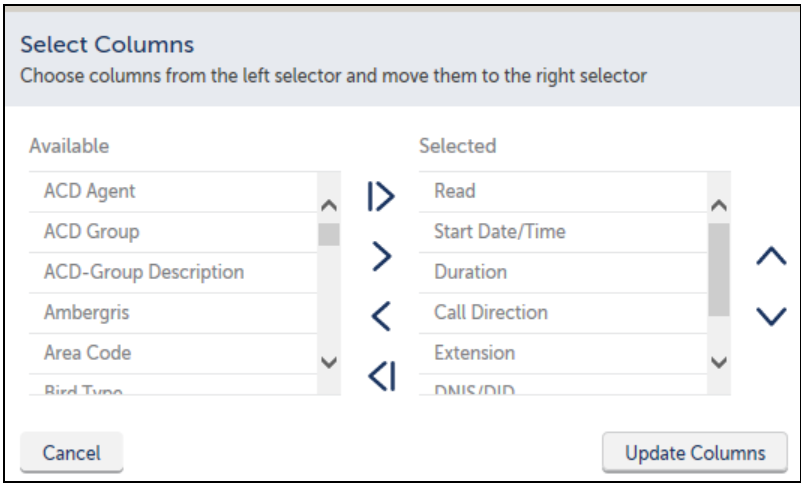
When you click on the Columns button, a Select Columns window will display.
-
Move Column Header choices using the arrow buttons between Available and Selected lists.
-
Use the up and down arrows to sort the column display order.
-
Click the Update Columns button to apply the changes.
Note: The call recording checkbox and play preview columns are non-moveable.