
To access the Call Details View
-
Select the desired call or calls from the Call Explorer view.
-
Click the View Selected button at the bottom right of the screen.
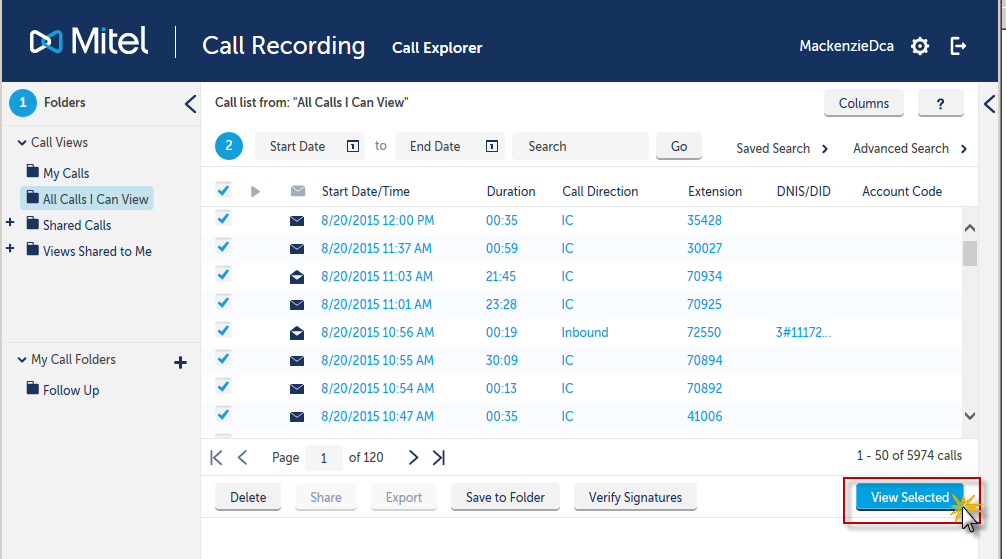
This opens the Call Details View.
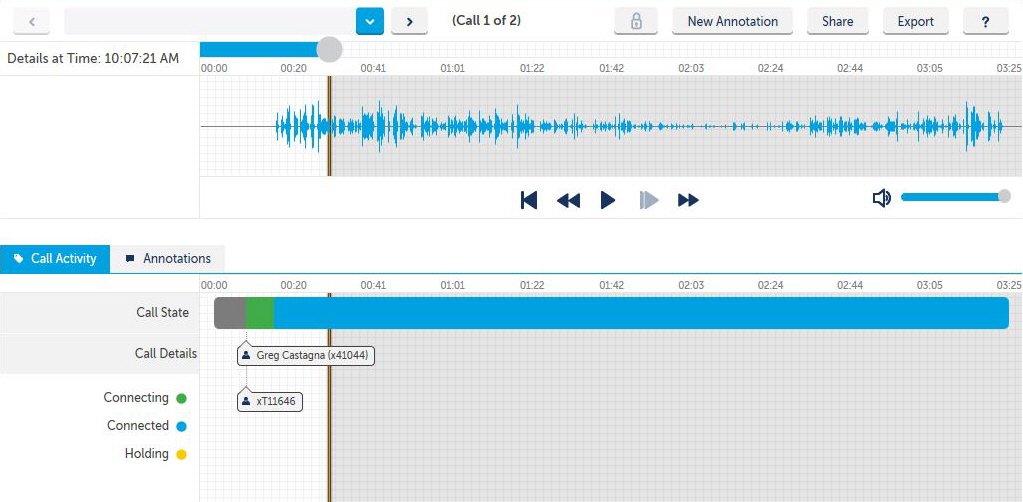
From this screen you may add a New Annotation, Share a call recording or a segment of a call recording, or Export a call recording or segment of a call recording.
The Call Activity section allows you to see:
-
Sections of the call that were and were not recorded
-
Sections of the call you do and do not have permission to listen to
-
Outside parties and extensions
-
Account codes
-
Extra information
-
Annotations
-
Time line for the duration of the call
To navigate back to the Call Explorer view, click on the word Call Explorer at the top of the screen.
